
Popular zip file management tool
7-Zip is a zip file management program that helps shrink down large files to save space. It is completely free to use for everyone, whether at home or in an office. Because it’s open source, the software can run on most computers without any subscriptions or one-time payments.
Top Recommended Alternative

Handles all kinds of file formats
7-Zip can handle almost any type of file format with a high compression ratio. It works quickly to pack things into tiny folders, making them much easier to send through email. Most users find it very handy because it has strong security and encryption despite being a free program.
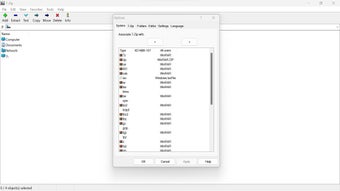
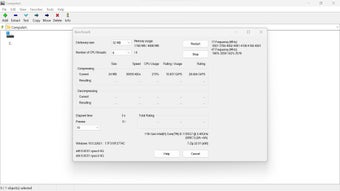
On the other hand, the program’s aesthetic is quite old and might feel a bit boring to some. It does not have the modern, colorful style that many newer apps use today. Also, beginners might find some of the many technical settings a little bit confusing at first glance.
One of the best there is
Even with its dated appearance, 7-Zip remains one of the best tools for managing files on a computer. It’s super reliable and does its job without ever asking for money or showing annoying ads. For anyone who needs to save space, it is a great addition to their daily software collection.
What People Are Saying
- The Good
People praise it as a free, open source archiver that installs quickly and carries no bloat. Many prefer it to paid rivals and to the archiving built into Windows, saying it simply does what they need.
- The Bad
The most common complaint is the interface, which users call dated and awkward, with no dark mode. On the latest Windows its shortcuts are hidden in the older right click menu, which pushes some people toward forks with a modern look.
- The Bottom Line
Worth downloading for anyone who wants a dependable free archiver, as long as you can live with a plain, old fashioned window.